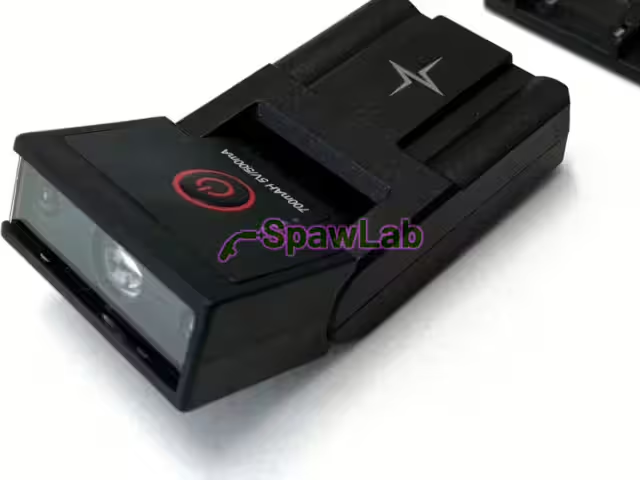

The flip-up element Evolution 65F is the hinged front part of the Böhler Welding Evolution Vision 65F helmet and its air-fed version 65F Air, in glossy blue. The ADF filter sits in the element and the front cover lens on its front. With the element raised you work through the 180 x 90 mm grinding visor.
Technical specifications
| Catalogue number | 87600 |
|---|---|
| Brand | Böhler Welding |
| Compatible with | Evolution Vision 65F, 65F Air |
| Type | flip-up element |
| Colour | glossy blue |
| ADF filter | not included, takes 87137 and 87135 |
| ADF viewing area | 65 x 96 mm |
| Grinding visor under the element | 180 x 90 mm |
| Pack quantity | 1 pc. |
Who it is for
- Owners of the Evolution Vision 65F, where you set the shade manually on the Böhler Welding ADF auto-darkening filter Evolution Vision 65F filter.
- Users of the Evolution Vision 65F Air and the 65F Air Kit: the element is the same.
- When the element is cracked or damaged and no longer holds the filter or the front cover lens.
Key features
- Glossy blue, like the factory element of the 65F helmet.
- Factory-fitted with the Böhler Welding ADF auto-darkening filter Evolution Vision 65F filter; the auto-shade filter Böhler Welding ADF auto-darkening filter Evolution Vision 65FM auto-shade also fits.
- The filter comes out once you slide the two locking tabs into the middle.
- The front cover lens Böhler Welding front cover lens Evolution Vision 65F, 65FM, V80, V80M (5 pcs) is released with the button on the left side of the helmet.
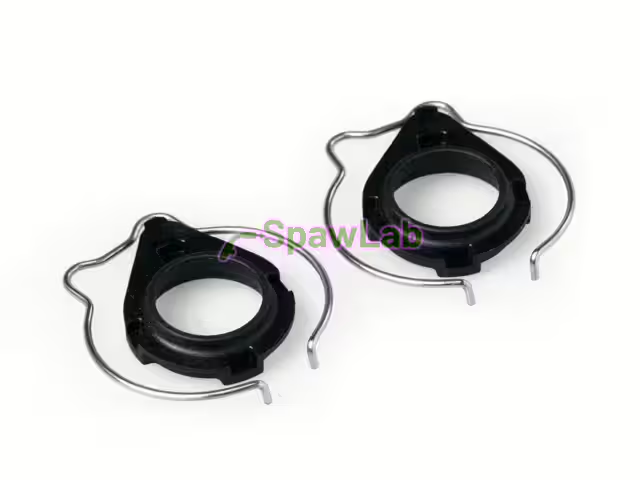
- The flip-up mechanism can be repaired with the spring kit Böhler Welding spring kit Evolution Vision 65 (2 springs, 2 arms).
Compatible with
- Böhler Welding Evolution Vision 65F auto-darkening flip-up welding helmet
- Böhler Welding Evolution Vision 65F Air flip-up welding helmet for PAPR powered air systems and the Böhler Welding Evolution Vision 65F Air Kit, flip-up welding helmet with Evolution Air PAPR kit
The Evolution Vision 65FM takes the Böhler Welding flip-up element Evolution Vision 65FM (matt blue) element (matt blue). More spare parts are in the Welding helmet parts category.
Moving the filter to the new flip-up element Evolution 65F
- Raise the element and rest the helmet chin up.
- Slide the two locking tabs into the middle and pull the filter out gently.
- Slide the filter along the tabs into the new element and slide the tabs outwards.
- Fit the front cover lens: locate it under the tab on the right until it clicks, then press with your thumbs on both sides of the button.
Documents
- Evolution Vision 65F and 65FM instruction manual (PDF, multilingual)
- Evolution Vision info sheet (PDF, English)
- PPE and accessories catalogue 2023/24 (PDF, English)
Frequently asked questions
Does the element include an ADF filter?
No. The 65F leaves the factory with the Böhler Welding ADF auto-darkening filter Evolution Vision 65F filter, which you move over from the old element. If you want auto-shade, you can fit the Böhler Welding ADF auto-darkening filter Evolution Vision 65FM auto-shade filter.
How does it differ from element 87603?
In colour. 87600 is glossy blue like the 65F and 65F Air shell, 87603 is matt blue like the 65FM. Choose the colour that matches your helmet shell.
Which front cover lens fits the element?
The Evolution Vision front cover lens Böhler Welding front cover lens Evolution Vision 65F, 65FM, V80, V80M (5 pcs), packed in 5. It is released with the button on the left side of the helmet.
Does it fit the Evolution V80?
No. The Evolution V80 spare parts list has no flip-up element.